When a client tells you something's gone wrong with a payment, the first thing to find out is whether the money was taken, and you can check that from your phone.
A card that's declined doesn't take any money, and a refund that fails shows up in MoneyPayment problems rather than going missing, so you've got time to look before you reply. Disputes are the one kind with a firm deadline, and the row shows you the date.
Check whether a client's money went through
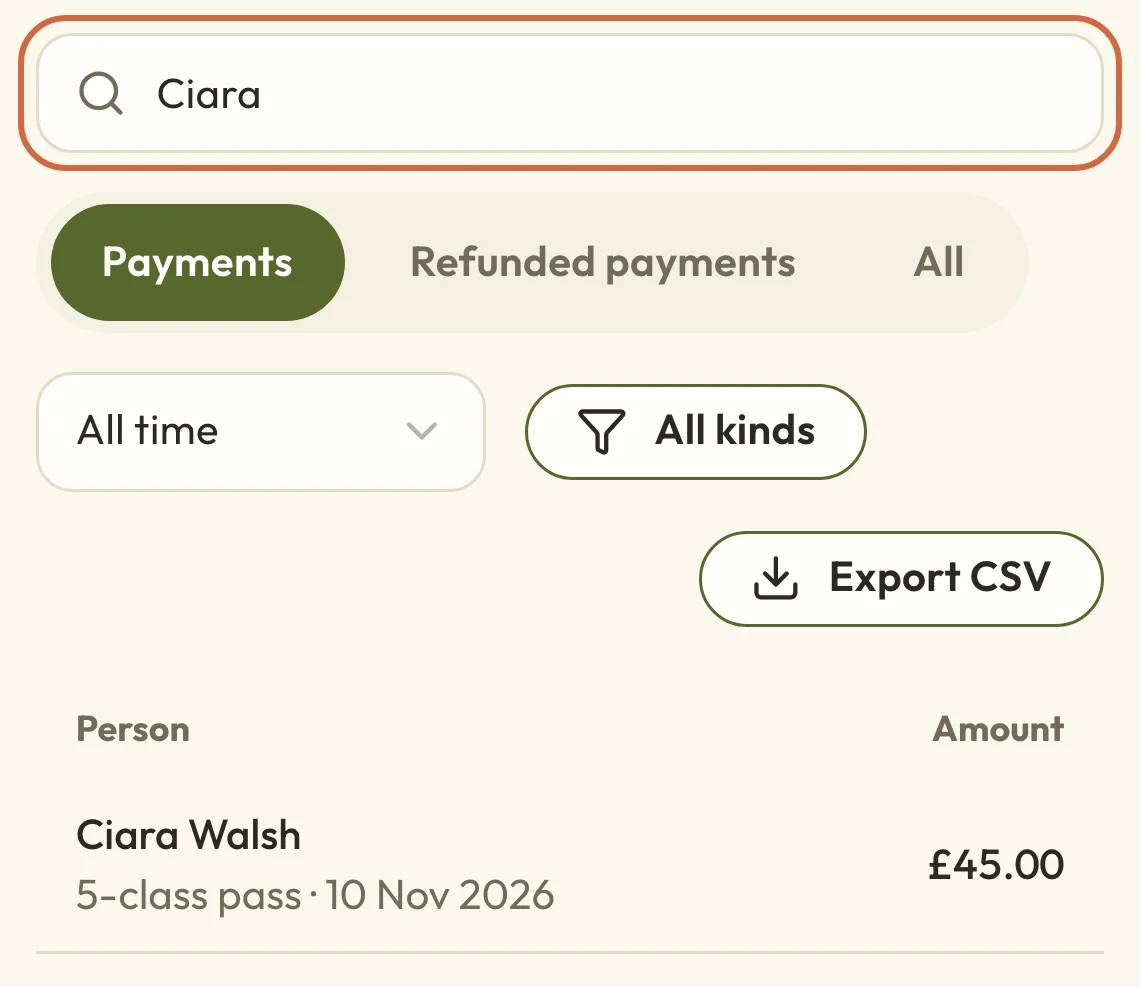
Go to MoneyPayments and search for their name or email. If they've paid under a different email, try that too.
 (opens the full-size picture in a new tab)
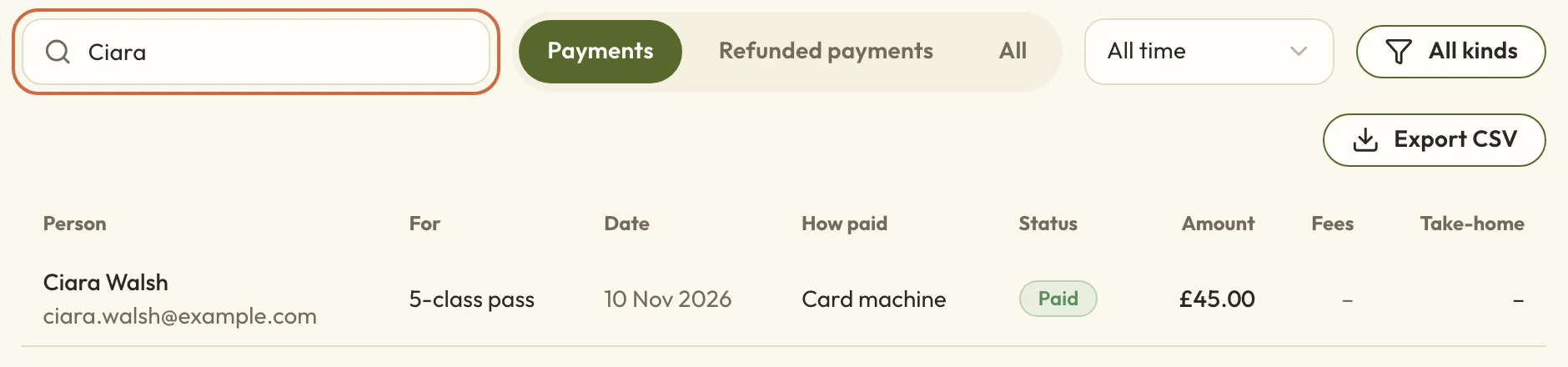 (opens the full-size picture in a new tab)Search Payments for the client's name or email.
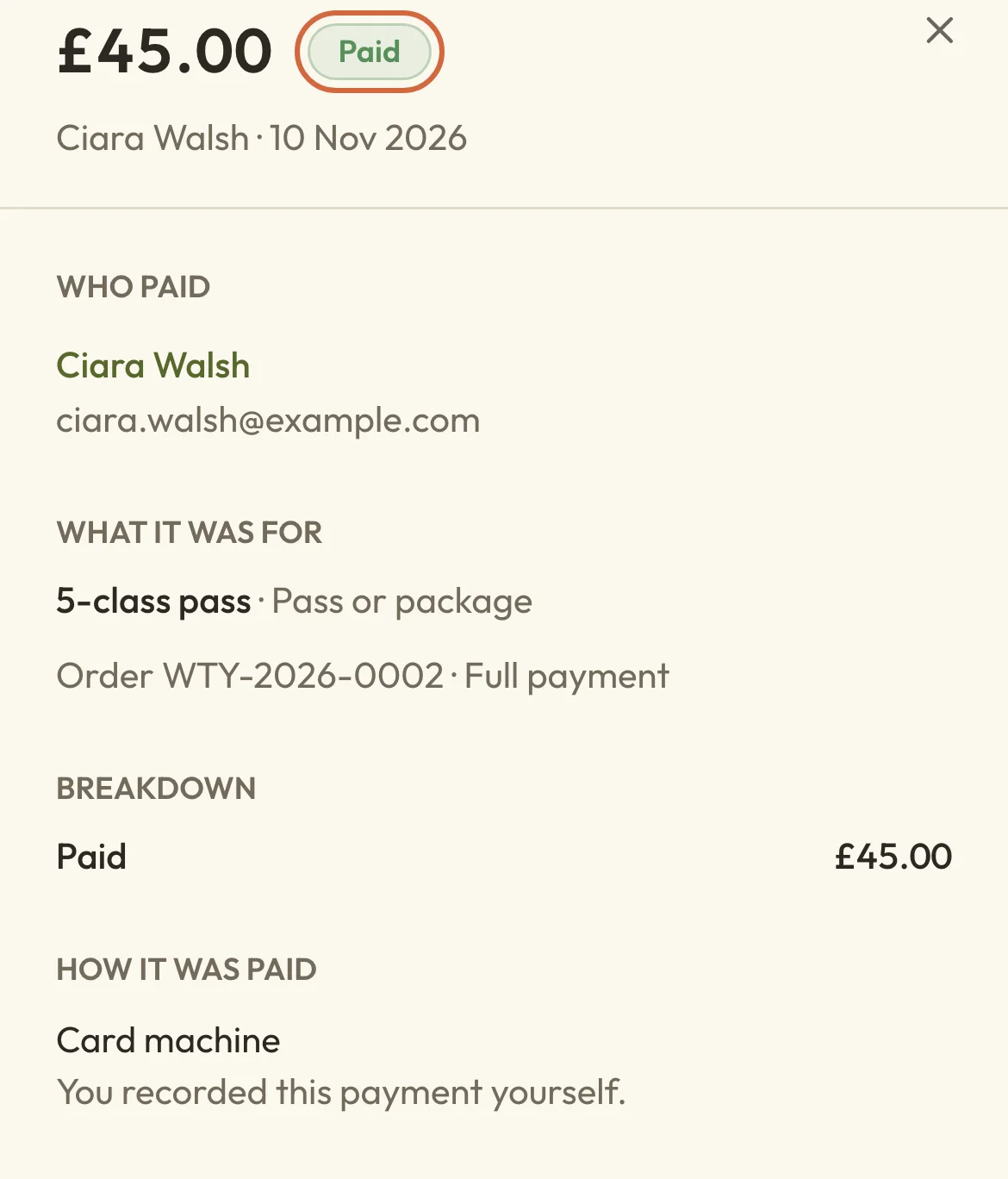
Open the payment to see what it was for, when it was paid and how much is left after any refund. If the top of it says Paid, the money was taken. If there's no payment for them at all, we can't see that any money was taken. The next sections cover what to do in each case, and Find a payment or refund explains the rest of what a payment shows.
 (opens the full-size picture in a new tab)
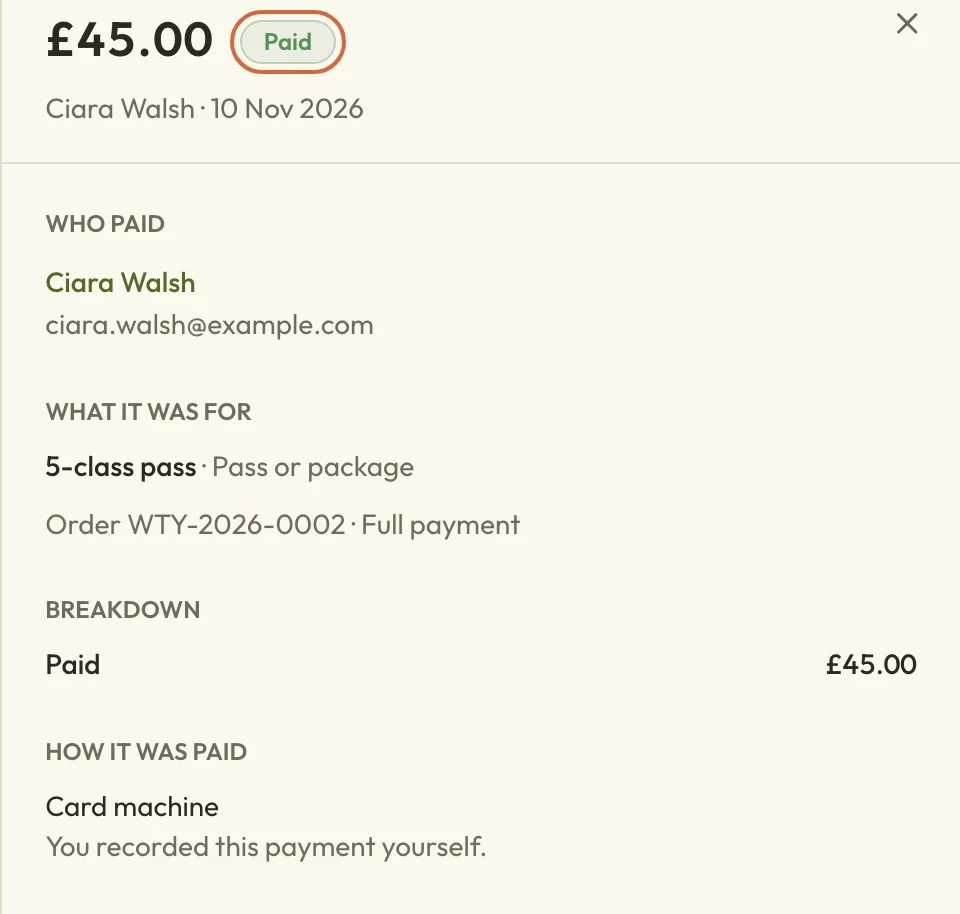 (opens the full-size picture in a new tab)Paid at the top means the money was taken.
A client says their card didn't work
If their card was declined, they haven't been charged and their place isn't confirmed. They'll have seen Your payment didn't go through, with a suggestion to try again.
You don't need to do anything on your side, so you can just ask them to try again, perhaps with a different card. Attempts like this don't appear in MoneyPayment problems, so an empty list there doesn't mean the client has got it wrong.
To see their attempts, go to BookingsActivity log. Each attempt is listed as a failed payment, with the amount. If a booking appears after the failures, they got there in the end.
If it keeps failing, you can book them in yourself and send a link to pay or take the money another way. See Create an appointment for a customer or Add someone to a class or course.
A client says they've been charged twice
Search for them in MoneyPayments. If you can see two payments for the same thing, open one and choose Refund. The amount starts as the full payment, and any Reason you add goes in the email they get. They keep their booking, so don't use Cancel booking unless they want to cancel too.
If there's only one payment, they've only paid through your booking page once. Their bank may be showing a pending amount from an attempt that failed, and those usually clear by themselves. If it's still there after a few days, contact support with their name, the amount and the date, and we'll look into it. There's a link to contact support at the bottom of MoneyPayment settings.
A client has paid but hasn't got a booking
Search for them in MoneyPayments.
If the payment says Refunded, it probably arrived too late. For classes, workshops and courses, a payment that arrives after their reserved place has run out, or after the class has ended, goes back to them by itself, and they get an email explaining why. You don't need to do anything, and they can book again if there's still room.
If it says Paid and you can't find a booking, don't refund it yet. Contact support with their name and the order number from the payment, and we'll check what happened.
A client is waiting for a refund
A refund can take a while to reach a client's bank, so they might ask how long it'll be. Start by checking it was sent. Find the payment in MoneyPayments, open it and choose View refunds, which is there once the whole payment has been refunded. You'll see when the refund was made, how much it was and the last four digits of the card it went back to. There's also a Reference they can quote to their bank.
If you can see all that, the money has left your account and it's with their bank. Banks often take around 5 to 10 working days to show it. If the refund shows as a problem instead, see the section below on refunds that didn't go through.
Money hasn't reached your bank
Payments don't go straight into your bank. Stripe collects them and pays them in together, usually a few working days later, so a recent payment can show as paid here while your bank is still waiting for it.
MoneyPayouts shows what's on its way and what's coming soon. See When money reaches your bank.
Where to see payment problems that need you
Go to MoneyPayment problems. It lists payments and refunds that need something from you: overdue balances, failed membership payments, disputes and refunds that didn't finish. The Money overview and your booking home tell you when there's something here. If there isn't, it says No payment problems right now.
Each row shows the booking, the customer, the problem and when we spotted it. What you can do is beside it or in the menu at the end of the row. To see one kind at a time, use the Problem menu.
If you've added editors, they can see this page too, but some actions are only for the owner and administrators.
A customer disputed a payment
Disputed payment means a customer has asked their bank to take back a card payment, sometimes called a chargeback. This is the one to deal with soon, because the row says the date their bank needs your evidence by.
If the row has Respond, choose it. If it hasn't, the row tells you where to respond instead, which is usually MoneyPayment settings, under Disputes in Money and records. Send your evidence before the date shown, such as their booking, your cancellation policy and any messages you've had with them.
Stripe and the bank make the decision. If it goes against you, the disputed amount and Stripe's dispute fee come off your take-home.
A membership payment didn't go through
Membership payment failed means a member's monthly or yearly payment didn't go through. The row tells you when Stripe will try the card again, so if there's a date, you can leave it for now.
If it says Stripe won't try again, choose Open membership to see their membership, and get in touch with them to sort out how they'll pay.
A payment plan or balance is overdue
- Overdue instalment means a scheduled payment on a payment plan wasn't paid on time.
- Failed charge means a card payment for it didn't go through.
- Overdue balance and Balance still overdue mean someone who paid a deposit hasn't paid the rest by the due date.
From the row's menu you can send them a link to pay, or choose Manage payment… to record a payment they've made another way or clear what they owe. See Follow up money you're owed and Record a payment or clear what's owed.
A refund didn't go through
- Refund didn't go through means your customer hasn't had their money back. Choose Open order to look at it, or Open appointment if it's for an appointment.
- Refund not confirmed means we sent the refund to Stripe but couldn't confirm it worked. Don't refund again yet, or you might refund twice. Choose Open in Stripe to check it, or Contact support if that's what the row offers.
- Refund sent, booking not updated means the money went back, but their booking didn't update. Don't refund again. Choose Contact support and we'll sort out the booking.