When a client hasn't paid for a booking yet, Macadamia keeps track of it for you, so you don't have to remember who said they'd pay next time. You'll see everyone who owes you in one list, and from there you can send them a link to pay by card. If they've already paid you in person, record the payment instead.
It might feel awkward to ask, but they probably won't be surprised. When you add someone and choose They'll pay later, their booking confirmation tells them how much they're paying you directly.
See who still owes you money
Your list of who owes you is called Owed to you. It's in the menu under Money, after Payments (on a phone, it's under More). You can also get to it from Needs you:
- Open Home.
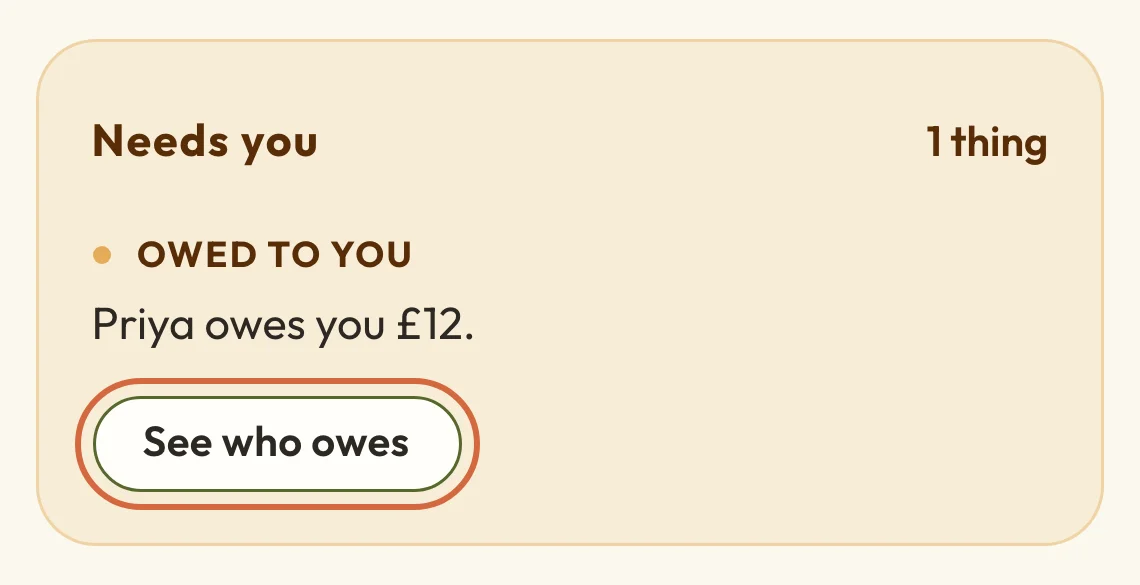
- Under Needs you, find Owed to you, which says how many people owe you and how much.
- Choose See who owes.
 (opens the full-size picture in a new tab)
 (opens the full-size picture in a new tab)Owed to you says how much you're owed in total.
MoneyOverview has a See who owes button too, under Still to be paid.
For each person you'll see the booking, its date, what they owe for it and how they're paying. Paying you directly is for bookings you added by hand, or where they chose to pay in person. If they've paid some of it, you'll also see how much they've paid so far. Choose their name to see their details, or the booking to open it.
The list has unpaid bookings for classes, workshops, courses and appointments. A pass or membership you sold to someone yourself with They'll pay later shows here too, until you record their payment.
On the day before a booking that's still unpaid, and on the day itself, Needs you also shows it under Not paid yet, with Record payment beside it.
If nobody owes you anything, you'll see Nobody owes you anything for their bookings at the moment.
Remind a client to pay with a link to pay by card
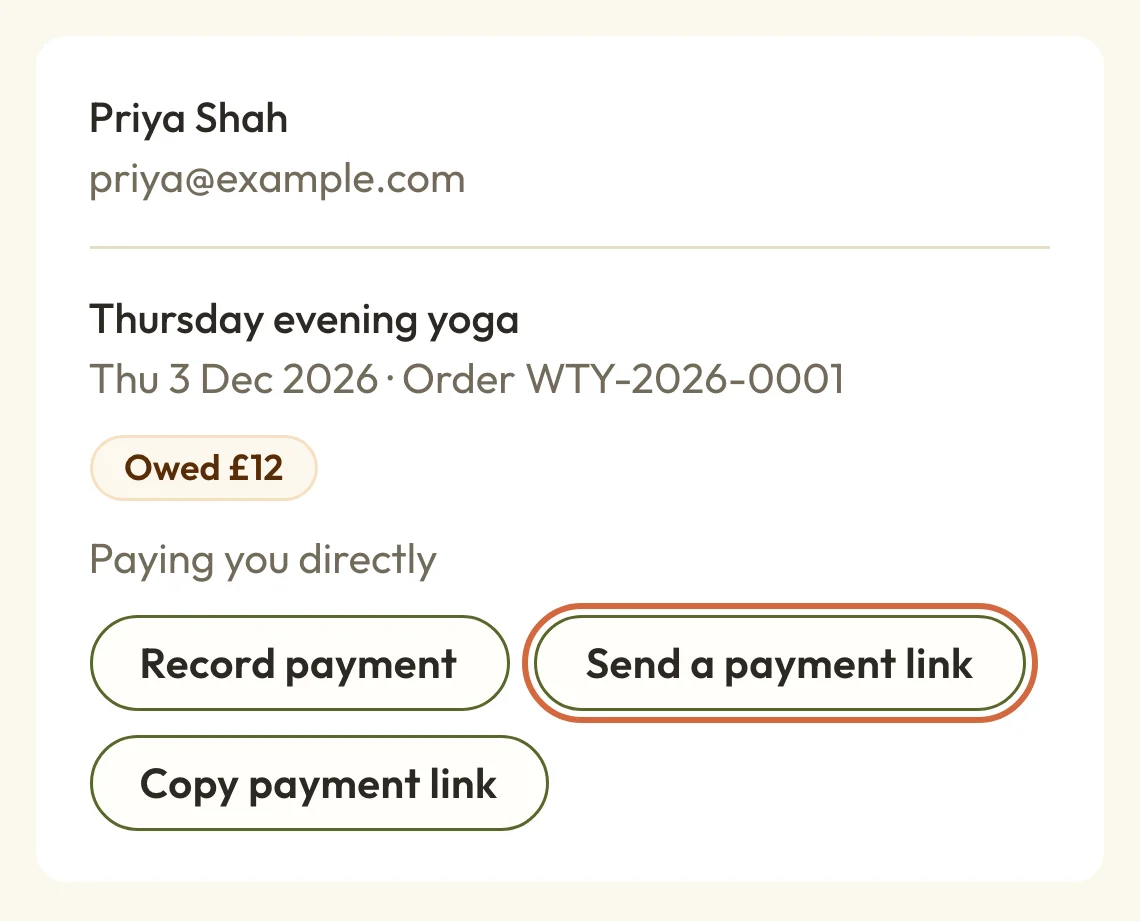
To remind a client who owes you, and let them pay by card, choose Send a payment link next to their booking on Owed to you. You'll find the same button on the booking itself, under Payment.
We email it straight away, without showing you a preview first. The email says how much is left to pay. Its button opens the booking in their account on your booking page, where they can pay. You can change what the email says, as Change your booking email wording explains.
 (opens the full-size picture in a new tab)
 (opens the full-size picture in a new tab)Send a payment link emails them, and Copy payment link gives you one to send yourself.
If you'd rather send it yourself, for example by text or on WhatsApp, choose Copy payment link and paste it into your message. The link opens their order in their account. If they aren't signed in, they're asked for their email address, and we email them a sign-in link that takes them back to the order to pay.
Because of that, they need an email address on their record. If you don't have one, you won't see either button. Add their email first, or record the payment when they pay you another way.
You'll only see these buttons once your site can take card payments. See Set up online payments.
The booking stays owed until they pay. Sending a link doesn't change it, and a success message means the email has gone, not that they've opened it.
Check whether you've already sent a link
Once you've emailed someone a link, their row on Owed to you says Payment link sent. If the email couldn't go, it says Couldn't send payment link instead, and while it's on its way you'll see Sending payment link. A row that still says Paying you directly hasn't had a link emailed from Macadamia yet. Links you copied and sent yourself don't show here, because we can't see your messages.
If you see Payment link delivery unconfirmed, we couldn't tell whether the email arrived. It's best to wait a little before sending another.
If you press Send a payment link twice in a row, Macadamia won't send a second email straight away. It tells you they were sent a link a moment ago.
Send someone their payment link again
If they still haven't paid, you can send the link again from the same row. Some appointments take payment through a link we email to the client automatically, and for those the button says Send the link again. It goes straight away, without a preview.
That button only shows when your site can take card payments and the client has an email address. If the message says we'll send them the link again now, it's on its way but hasn't gone yet.
If they say they've already paid you
If they paid you in cash, by bank transfer or on a card machine, it's still owed in Macadamia until you record it. See Record a payment or clear what's owed.
If they say they paid online, look for their payment in MoneyPayments. Find a payment or refund explains how to search it.
Overdue deposits and payment plans
When someone paid a deposit and the rest is overdue, or a payment plan has fallen behind, it's in MoneyPayment problems rather than Owed to you. If some of those people aren't on Owed to you, the page says how many, with a See payment problems link.
In Payment problems, open the menu at the end of their row and choose Send payment reminder to email them a link, or Copy payment link to send one yourself. The email goes straight away. If you see We could not confirm whether this reminder was delivered. Please do not resend it yet., wait a little before you try again. Sort out a payment problem has more on each kind of row.
"Paid in advance" is the other way round
On the Money page, under Held for customers, Paid in advance is about sessions people have paid for and not used yet, so that's what you owe them, not what they owe you. Your money explains it.