A membership lets a client pay you a regular monthly or yearly price and book the classes it covers as often as they like, as long as there's a place free. The payment is taken from their card automatically until the membership is cancelled.
Memberships don't have their own section on your booking page. Clients are offered one while they're booking a class, at the step that asks how they'd like to pay. Memberships are for classes and other events, not appointments.
Set up a monthly or yearly membership
To set up a monthly or yearly membership, go to BookingsPasses, packages & memberships and choose New, then New membership.
- Give it a Name. Clients see this when they join, and it follows the words "Buy a" on your booking page, so something like "Monthly unlimited" reads well.
- Set the Price, which has to be more than 0.
- Choose a Billing interval of Monthly or Yearly. You can't change this once someone has joined, so it's worth checking.
- Under How do clients get it?, choose how it's sold.
- Choose Create membership.
If you've chosen to sell it online and your online payments are set up, it's on sale as soon as you've created it. Creating it doesn't sign anyone up or send any emails.
You can also choose Add a description, but clients don't see the description while they're booking, so it's best not to rely on it to explain what's included.
Every membership gives unlimited bookings, and you can't cap it at a number of classes a month. For a set number of classes, create a pass instead.
How billing works for a membership
Members are charged the full price when they join, which covers their first month or year, unless a discount or their site credit brings that first payment down. After that, their card is charged the regular price every month or year until the membership is cancelled, and they don't need to do anything. Create discount codes explains how a membership discount works.
When a client joins while booking a class, they pay the membership price instead of the class price, so there's no separate charge for that class. They're emailed to confirm the membership has started.
Fees come off each payment before it reaches you, the same as any other card payment. Set up online payments explains what they are.
If a renewal doesn't go through
If a card can't be charged when a membership renews, the membership keeps working while it's sorted out, so your member can still book. Stripe tries the card again where it can, and they're emailed a link to pay, with a different card if they need to.
You'll see it in MoneyPayment problems, and Sort out a payment problem explains what to do next.
Choose which classes a membership covers
A membership covers every class that takes memberships. If you've set up event categories, the form also shows Which categories. Leave Include all categories on to cover everything, or turn it off and tick the ones you want, perhaps your evening classes only.
Members still need a free place to book, so a membership won't get anyone into a full class. Free events don't use memberships.
Why a client can't use a membership on a workshop or course
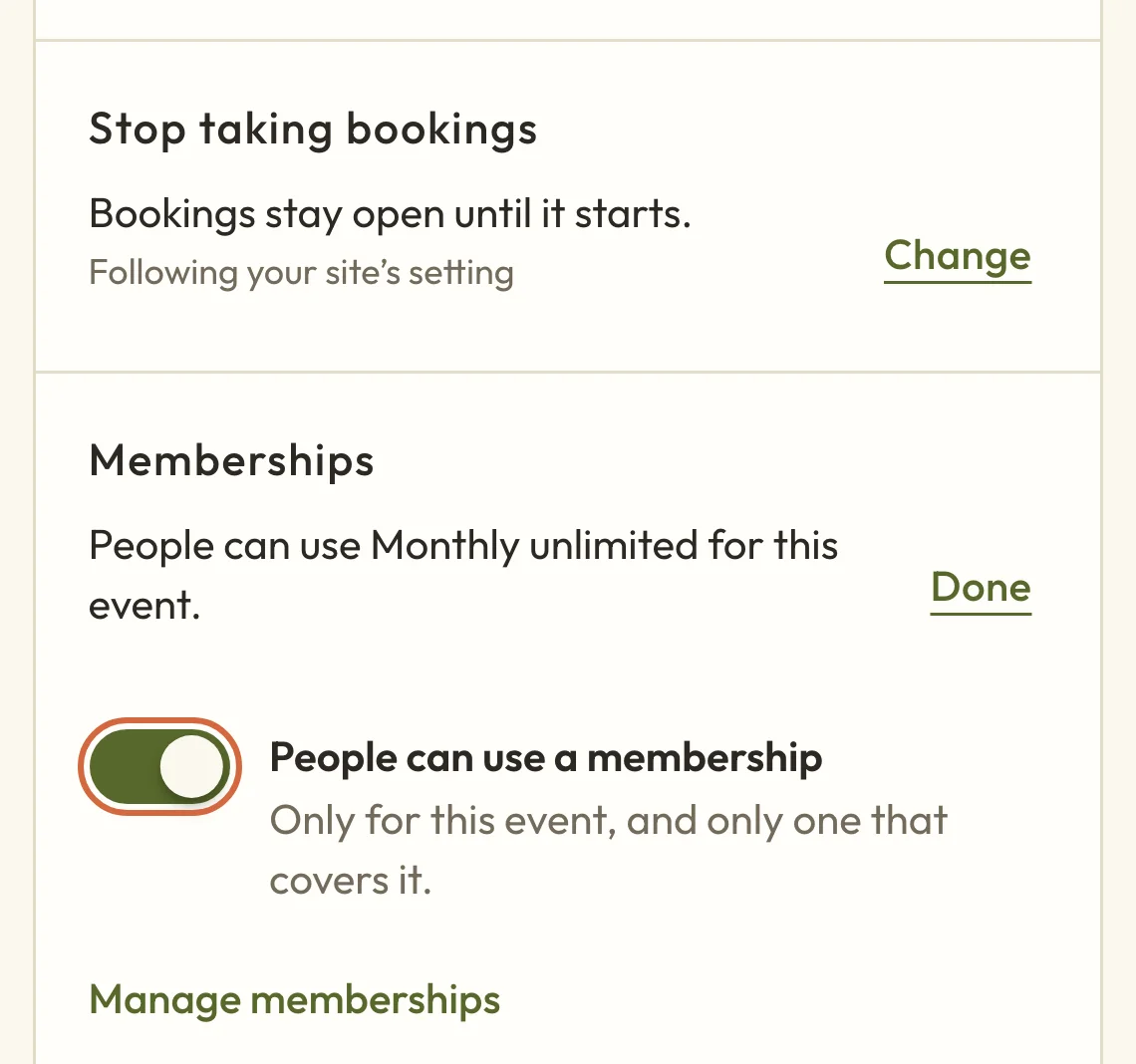
If a client can't use a membership on your workshop or course, it may not be set to take memberships. New classes take memberships from the start, but workshops, courses and retreats don't, so you'll need to turn memberships on for those:
- Open the workshop or course and go to its Booking tab.
- Under Passes and memberships, or Memberships if you don't sell passes, choose Change.
- Turn on People can use a membership, then choose Done.
- Choose Save booking settings.
 (opens the full-size picture in a new tab)
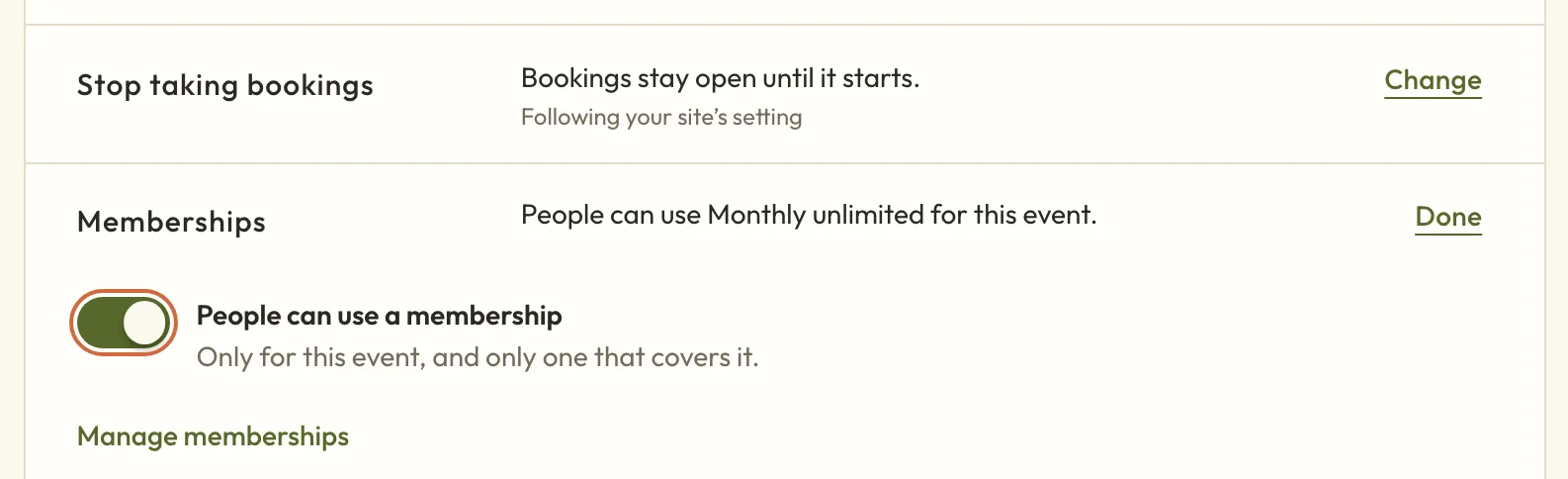 (opens the full-size picture in a new tab)Each class, workshop or course has its own setting for memberships.
A membership can only be used when someone books one place, so a client booking for themselves and a friend pays the usual way.
Decide whether clients join online or you add them
Under How do clients get it?, choose one of these:
- They can buy it online, or you can add it for them offers it to clients on your booking page.
- You add it for them keeps it off your booking page, for clients who've paid you some other way.
- Not on sale means nobody can join and you can't add it to anyone, but current members keep it.
Clients can only join online once you've set up online payments. A membership you add to someone yourself works differently, because it lasts for one month or year and doesn't renew.
How clients join a membership on your booking page
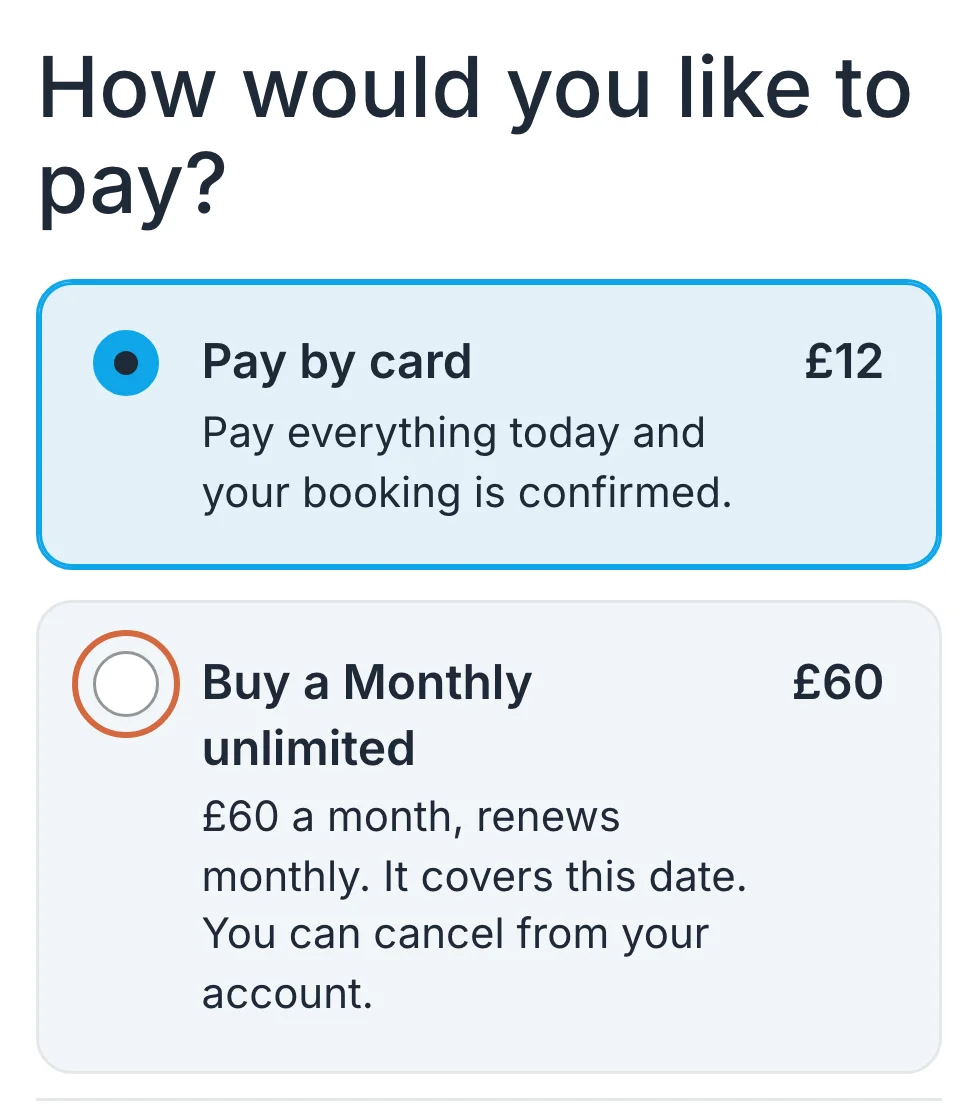
Clients join a membership on your booking page while they're booking a class. After they've chosen a date and filled in their details, How would you like to pay? lists Pay by card alongside each membership and pass that covers that class. A membership shows its price, how often it renews and that they can cancel from their account.
 (opens the full-size picture in a new tab)
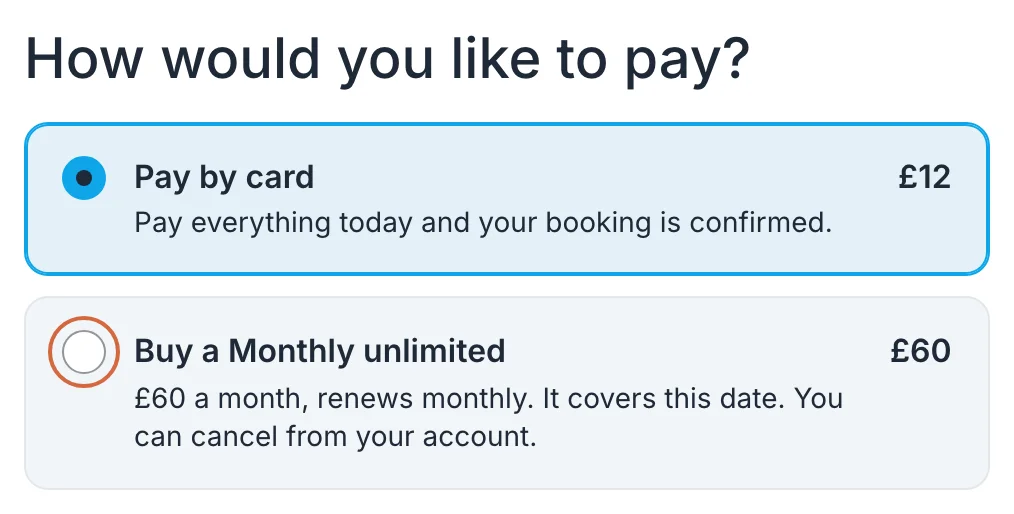 (opens the full-size picture in a new tab)Clients see your memberships when they choose how to pay for a class.
If they choose a membership, the button changes to Buy membership and book. There's no separate page for joining, so if you're telling clients about a membership, point them to any class it covers.
How members book and cancel
Next time they book, members choose Sign in on the booking form and they're emailed a link, so there's no password to remember. Their membership then covers the class, with nothing to pay.
Members can cancel for themselves under Your bookings on your booking page, by choosing Cancel membership. It stops renewing, and they can keep booking until the end of the month or year they've paid for. To cancel for them or give money back, see Cancel or refund a membership.
Change a membership or its price
Choose the membership in your list, or Edit on its menu, make your changes and choose Save changes.
If you change the price, people who've already joined keep paying what they pay now, and the new price is for people who join from then on. To move someone onto the new price, cancel their membership and ask them to join again once it ends.
Once anyone has joined, you can't change the billing interval, so create a new membership if you'd like to offer yearly as well as monthly. If you change which categories it covers, that affects what members can book from now on.
Stop selling a membership
To stop selling a membership without affecting current members, open the menu on its row and choose Deactivate, then confirm. Nobody new can join, and current members aren't cancelled and keep renewing. To sell it again, open it and choose a different option under How do clients get it?.
Once it's off sale, the same menu offers Delete or Archive, depending on whether anyone has joined. You can't archive a membership while people are still members, so cancel their memberships first. Neither can be undone. To see archived memberships, choose Show archived.