These rules decide what clients can do for themselves: whether they get their money back when they cancel, how late they can move an appointment, and how soon or how far ahead they can book. They're all in BookingsBooking settingsAppointments, and they apply to every appointment service on your site.
A change to the refund or rescheduling rule takes effect as soon as you save it, and that includes appointments that are already booked. Which appointments these rules apply to explains what that means for clients who've already paid.
Choose whether clients get a refund when they cancel
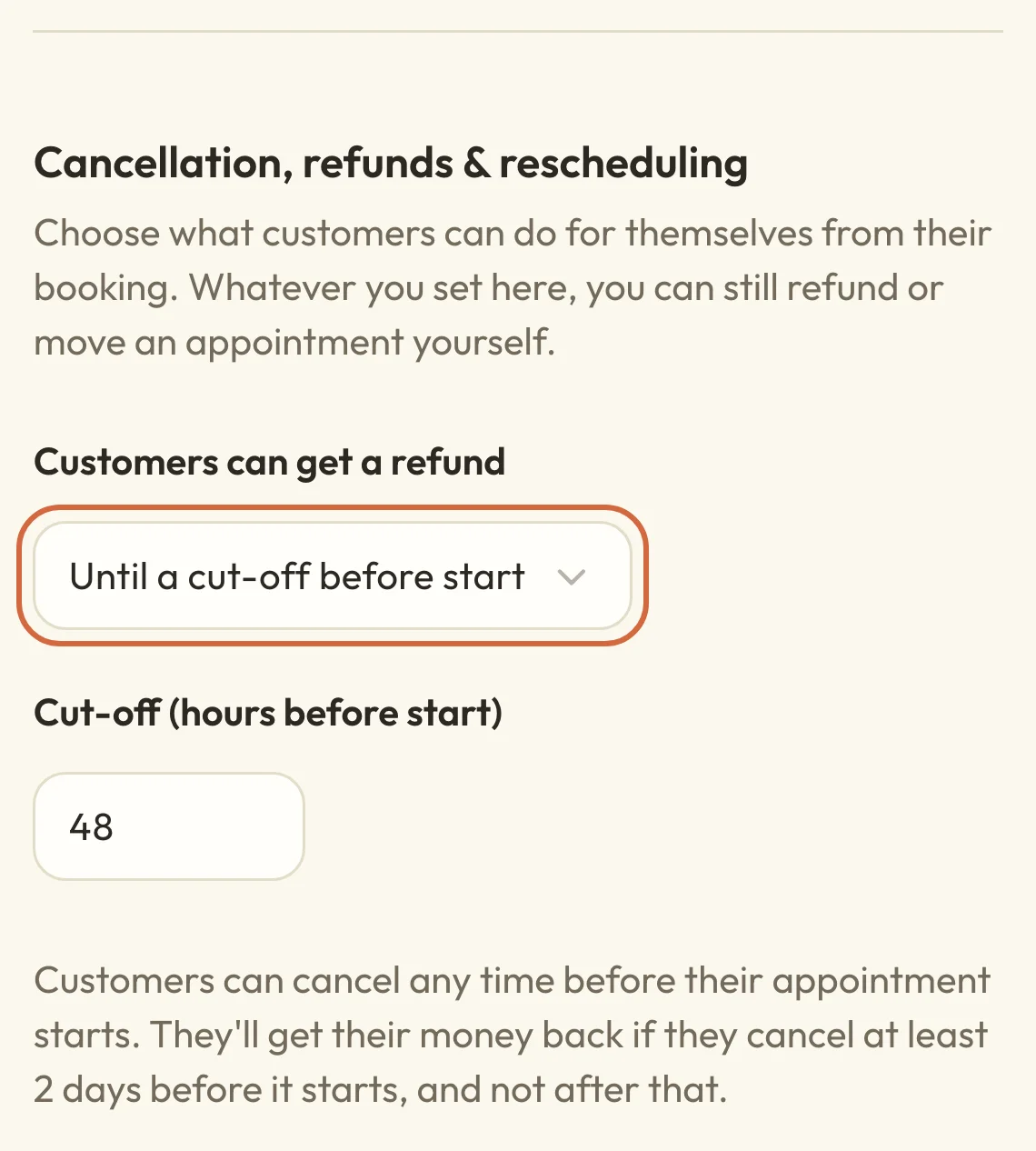
Clients can cancel their own appointment at any time before it starts, and there's no setting to stop them. Customers can get a refund decides whether they get their money back when they do:
- Any time before start refunds them whenever they cancel.
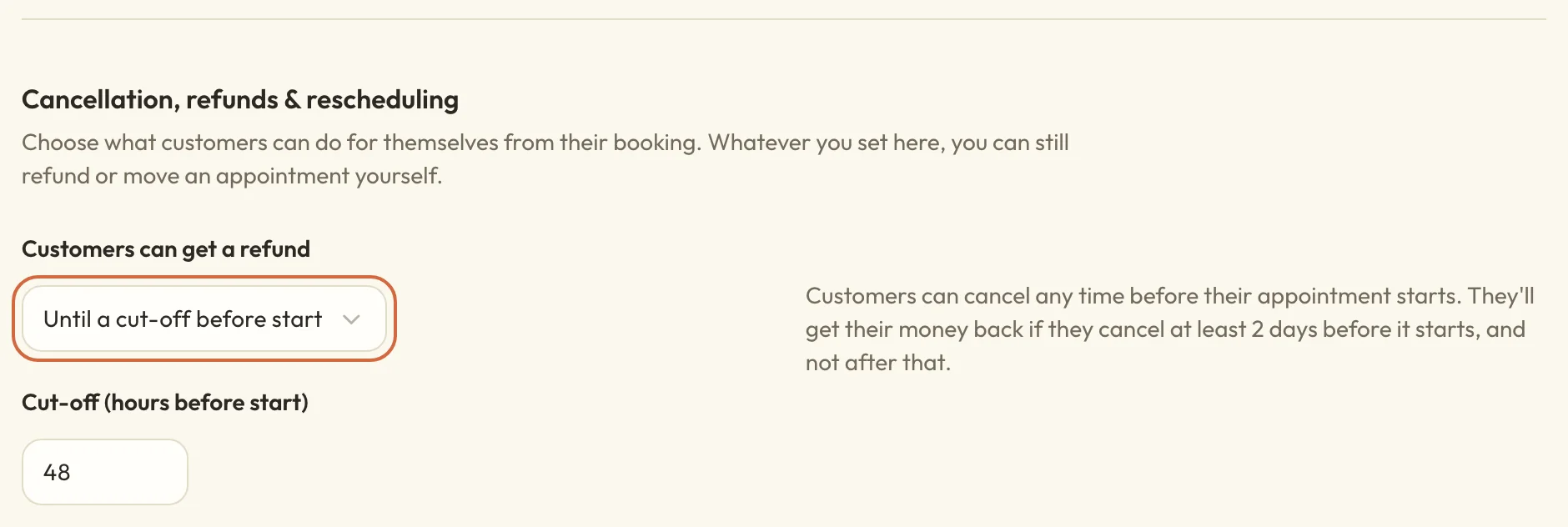
- Until a cut-off before start refunds them if they cancel at least the number of hours you put in Cut-off (hours before start). For two days' notice, enter 48. If they cancel later than that, the appointment is still cancelled but they don't get a refund.
- Never means cancelling doesn't give them anything back. A new site starts on this one.
A sentence beside the rule tells you what your choice means for clients, and it changes as you pick. Nothing reaches clients until you choose Save settings.
 (opens the full-size picture in a new tab)
 (opens the full-size picture in a new tab)The sentence beside each rule says what clients will get.
What happens to the money when a client cancels
What a client gets back depends on your refund rule and how they paid. Macadamia can't charge a late cancellation fee, so if they haven't paid yet, there's nothing to collect once they've cancelled.
If they cancel in time for a refund:
- A card payment goes back to their card automatically. Their bank usually takes 5 to 10 working days to show it.
- Anything they paid with site credit goes back to their account as site credit.
- A session from a package goes back to the package.
- A deposit you've marked as non-refundable stays with you, and they get back the rest of what they paid.
If they cancel too late for a refund, the money stays with you and a package session stays used.
Money you took yourself, such as cash, a bank transfer or a card machine payment, works differently because it can't be returned online. The appointment is cancelled and the client is asked to contact you about the money. They'll see that message even if your rule is Never. What you tell them about the money is up to you.
You can always give more back than your rule allows. Cancel or refund a booking covers refunds you make yourself.
What clients are told about your cancellation policy
Clients see your refund rule on each service's page, under Cancellation policy. The wording comes from your setting:
- Any time before start shows "Cancel before the booking starts for a full refund to your original payment method."
- Until a cut-off before start, set to 48 hours, shows "Cancel up to 2 days before it starts for a full refund to your original payment method."
- Never shows "Bookings are non-refundable."
If a service is only paid in person, "to your original payment method" becomes "of what you've paid in person". If clients can pay either online or in person, it says "the way you paid".
You can't change this wording, and there are two places where it might not quite fit. Free services show it too, so on Never a free session still says it's non-refundable. If a service has a non-refundable deposit, the page still says "full refund", although you'll keep the deposit.
The booking form doesn't repeat the rule, and someone can reach the form without opening the service page. If you need clients to agree to your rules before they book, put them in your booking terms.
When a client goes to cancel, their booking tells them what they'll get back before they confirm, such as "You'll get £40 back" or "You won't get your £40 back, because it's less than 2 days until it starts." Their cancellation email then confirms what happened.
Choose how late clients can move their own appointment
Customers can reschedule decides whether clients can move an appointment to another time themselves, and how close to the start they can do it:
- Any time before start lets them move it right up until it starts.
- Until a cut-off before start lets them move it up to the number of hours in Cut-off (hours before start).
- Never takes the option away, and their booking asks them to get in touch instead.
While they can still move it, their booking shows a link to change the time and says when that closes. After the cut-off, it says the option has closed. They can only pick times that fit your booking notice, and they can't move a request you haven't accepted yet.
These limits are only for clients. You can still move an appointment yourself after the cut-off. See and manage your appointments explains how.
Stop clients moving an appointment to get a refund
The refund cut-off counts back from the appointment's current time, so moving an appointment also moves the cut-off. Say your refund cut-off is 48 hours and your rescheduling cut-off is 24 hours. A client whose appointment is 30 hours away has missed the refund, but they could move the appointment to next month and then cancel it for a full refund.
To close that gap, make the cut-off for Customers can reschedule at least as long as the one for Customers can get a refund.
Set how much notice people need to book
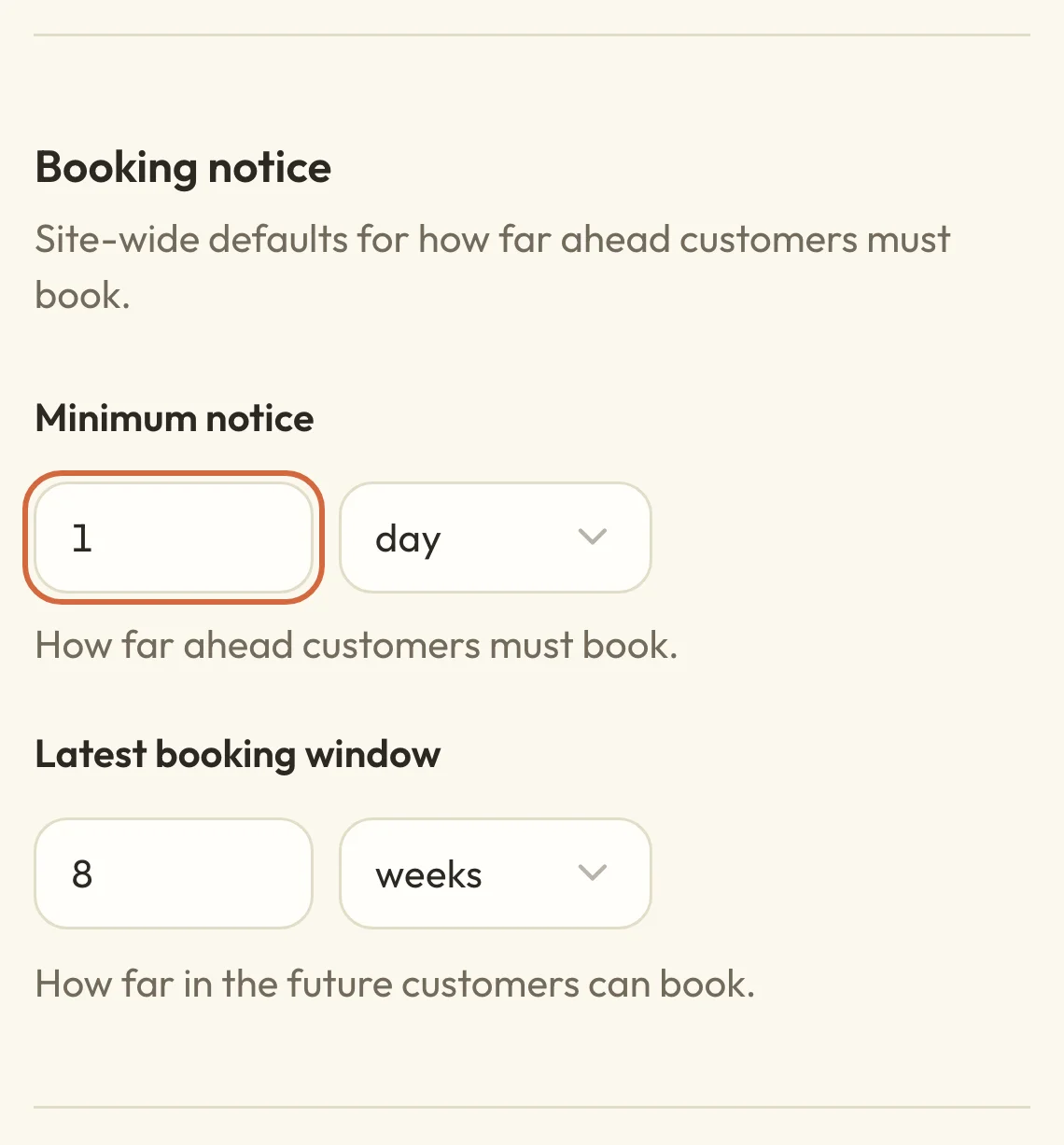
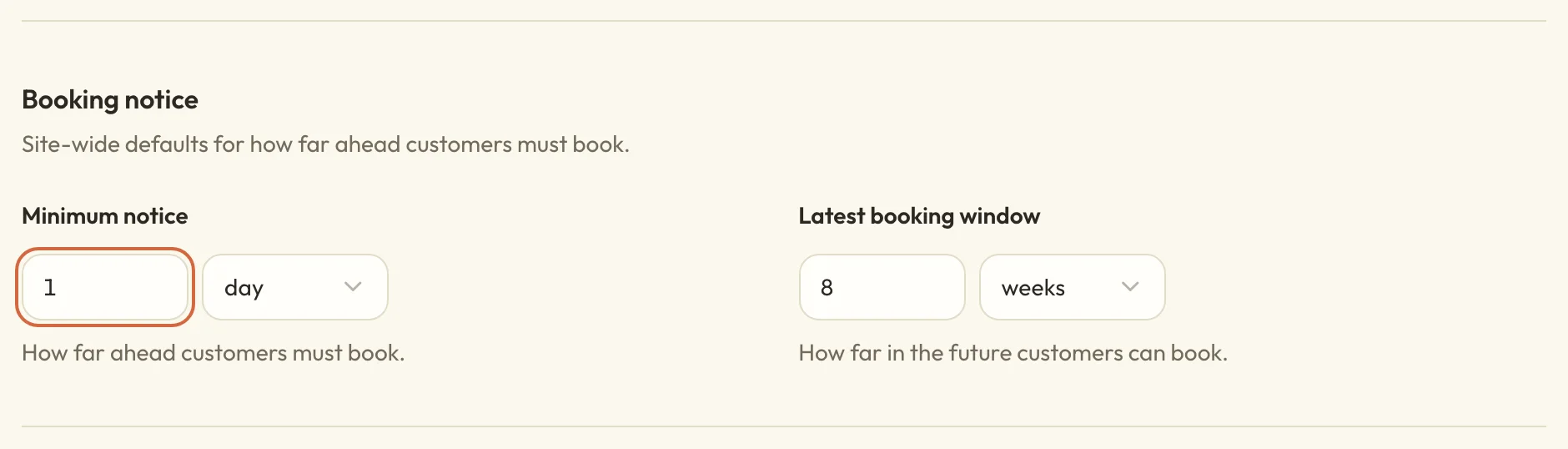
Minimum notice, under Booking notice, is how soon a client can book. With 1 day, nobody can book a time that starts in less than a day. You can set it in minutes, hours or days, up to 28 days.
It only affects which times clients can choose when they book or move an appointment. It doesn't change when they can cancel. You can still book someone in at shorter notice from your dashboard by ticking Book this time anyway.
 (opens the full-size picture in a new tab)
 (opens the full-size picture in a new tab)Minimum notice and Latest booking window apply to every appointment service.
Set how far ahead people can book
Latest booking window, also under Booking notice, is how far into the future clients can book. With 8 weeks, they can't choose anything more than 8 weeks away. You can set it in hours, days or weeks, up to 10 years.
The form won't warn you if the two settings leave no times to offer. A window of 0, or a window shorter than your minimum notice, means clients can't book anything. If your times have disappeared, Set your appointment availability goes through the other likely causes.
Which appointments these rules apply to
The refund and rescheduling rules are checked at the moment a client cancels or moves an appointment, using whatever your settings say then. They aren't fixed when the client books. If you change Customers can get a refund from a 48-hour cut-off to Never, a client who booked last week under the old rule won't get a refund when they cancel tomorrow.
If you're making your rules stricter, you might want to tell clients who are already booked, or refund them yourself if they booked expecting the old rule. Classes and workshops work differently, because each of those bookings keeps the terms it was made under.
Saving a change doesn't cancel or refund anything by itself. Booking notice only affects new bookings and moves, so appointments you already have stay where they are. There's one set of rules for your whole site, so you can't give a single service a different refund rule.
Choose when appointment reminders go out
Reminder timing is set on the reminder email. Open Reminder before an appointment in SettingsEmails. Under When it’s sent, switch on Send this email, set Hours before it starts and choose Save on that card.
Send clients reminders and follow-ups has more on this, and Change the wording of your booking emails covers what the reminder says.